
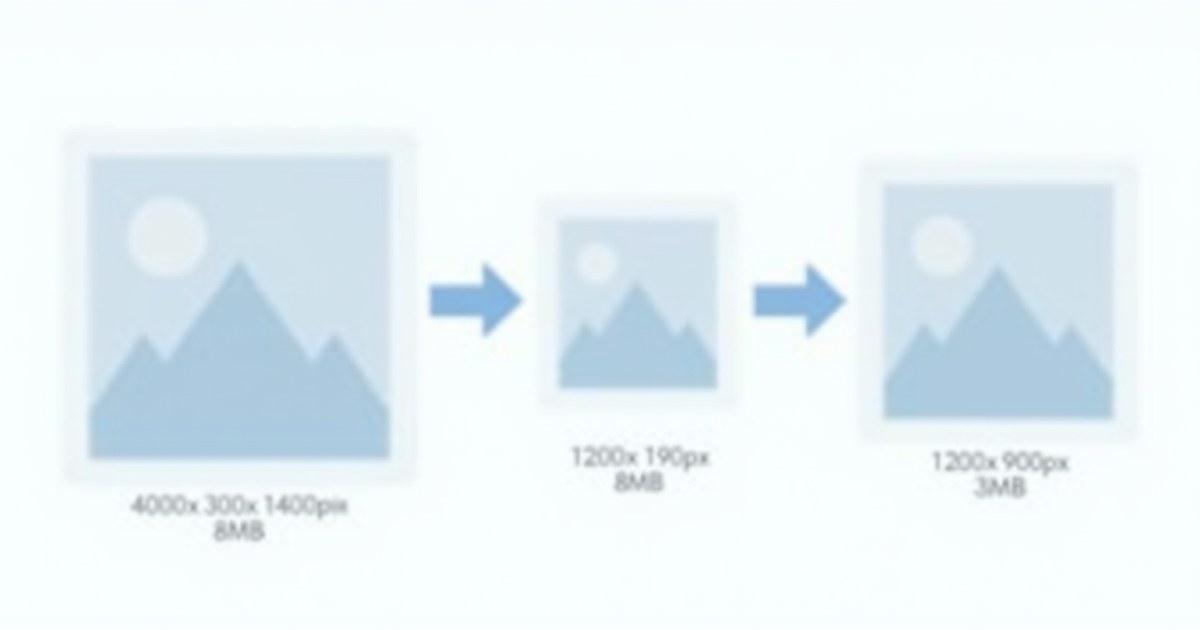
Resizing changes an image’s pixel dimensions. This is different from compression — compression reduces file size while keeping dimensions the same. You need to resize when an image is too large for its destination, or when a platform has specific dimension requirements.
Resize Images Free with AllMediaTools
- Open AllMediaTools Image Compressor.
- Upload your image.
- Set Max Width and/or Max Height in pixels.
- Enable Maintain Aspect Ratio to scale proportionally.
- Click Compress / Resize and download.
Standard Image Dimensions by Platform
| Platform / use | Recommended size |
|---|---|
| YouTube thumbnail | 1280×720px |
| Facebook cover | 851×315px |
| Instagram post (square) | 1080×1080px |
| Instagram Stories / Reels | 1080×1920px |
| Twitter/X header | 1500×500px |
| Website hero (full-width) | 1920×1080px |
| Blog post / Open Graph image | 1200×630px |
| Email header | 600px wide |
| Email signature logo | 200–300px wide |
Built-In OS Methods
Windows — Paint
Open in Paint → Home → Resize → Pixels → enter Width → OK → File → Save As.
Mac — Preview
Open in Preview → Tools → Adjust Size → set Width (height locks automatically) → File → Export.
The Correct Web Image Workflow
- Resize to max display width (e.g. 1200px for blog posts)
- Convert to WebP using AllMediaTools Image Converter
- Compress to under 100KB using AllMediaTools Image Compressor
Frequently Asked Questions
What’s the difference between resizing and cropping?
Resizing scales the full image proportionally. Cropping removes parts of the image to change composition or match a specific aspect ratio. Most tools offer both.
Can I make an image larger without losing quality?
Standard upscaling always reduces sharpness — software invents pixel data that wasn’t there. AI upscalers (Topaz Gigapixel, ESRGAN) produce better results for enlargement. For print, always start with the highest resolution source.
Does resizing reduce file size?
Yes — significantly. A 4000×3000px image has 12 million pixels; a 1200×900px version has 1.08 million — 91% fewer pixels to store. See our guide: How to Compress Images Without Losing Quality.