
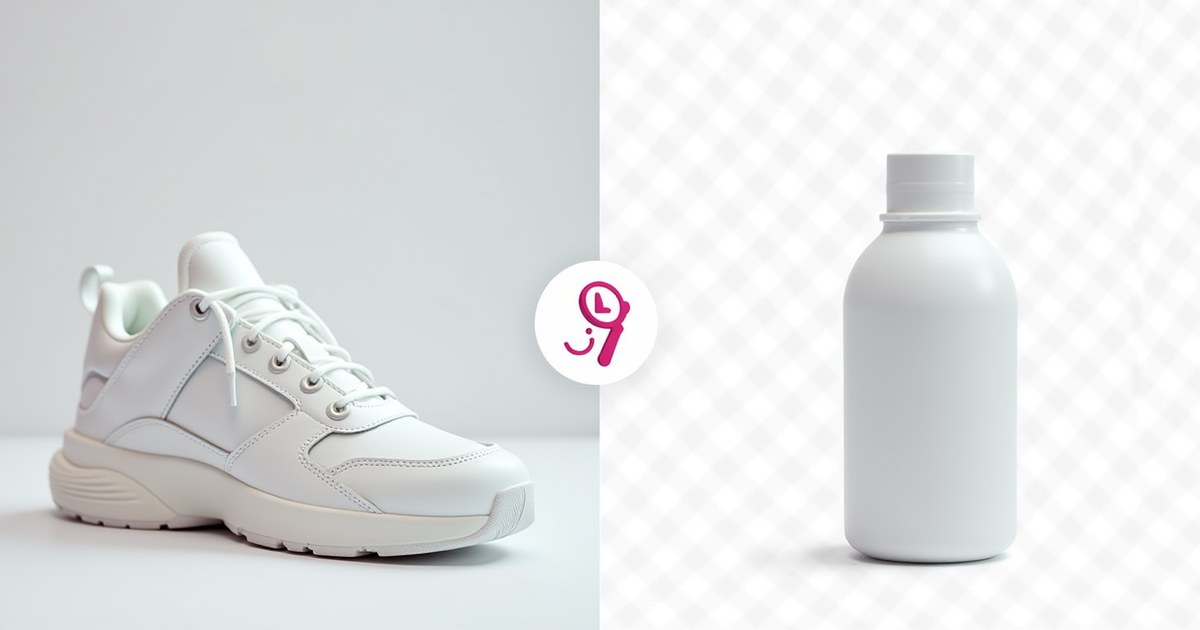
AI background removal has gone from a Photoshop skill taking minutes to a browser operation taking seconds. For product photos, profile pictures, logos, and marketing materials, clean background removal is now accessible to anyone — for free.
Best Free Background Removal Tools
1. Remove.bg — Fastest AI, Best for Hair/Fur
Go to remove.bg → upload image → background removed in ~5 seconds → download transparent PNG. Free low-resolution (0.25MP) download; full resolution requires credits.
2. Canva Background Remover — Best for Design Workflows
Canva Pro includes one-click background removal under Edit image → BG Remover. After removal, you can immediately place the subject on a new background inside Canva. Requires Canva Pro ($14.99/month).
3. PhotoRoom — Best for Product Photography
PhotoRoom is built for e-commerce product photos. Removes backgrounds and lets you add new ones (solid colors, scenes). Free tier with limited daily removals.
4. rembg — Free, Unlimited, Local (Python)
pip install rembg

# Single image
rembg i input.png output.png

# Batch process entire folder
rembg p input_folder/ output_folder/
No API calls, no limits, runs locally. Quality similar to Remove.bg for most subjects.
Always Save as PNG After Background Removal
Never save a transparent image as JPG — JPG fills transparent areas with white and destroys the transparency. Always use PNG or WebP lossless.
After removing the background, use AllMediaTools Image Converter to save as WebP lossless — it preserves transparency and is 25% smaller than PNG.
Tips for Better Results
- Shoot against a plain background — even a white wall
- Good lighting reduces shadows that confuse AI
- Hair and fur: Remove.bg handles these best
- Use the manual erase/restore brush to fix AI mistakes at edges
Workflow After Removing Background
- Save as PNG to preserve transparency
- Compress using AllMediaTools Image Compressor — PNG files can be large
- Convert to WebP lossless for web use (smaller + transparency preserved)
Frequently Asked Questions
Is Remove.bg completely free?
The low-resolution download is free with no account. Full-resolution requires credits. For most web uses, the free resolution (~625×625px) is often sufficient.
Can I batch-remove backgrounds from many images?
Yes — use rembg p input_folder/ output_folder/ to process entire folders locally. Remove.bg also has a paid API for batch processing.
Does background removal work on videos?
No — these tools are image-only. Video background removal requires DaVinci Resolve (Magic Mask), CapCut (chroma key), or Adobe Premiere.