
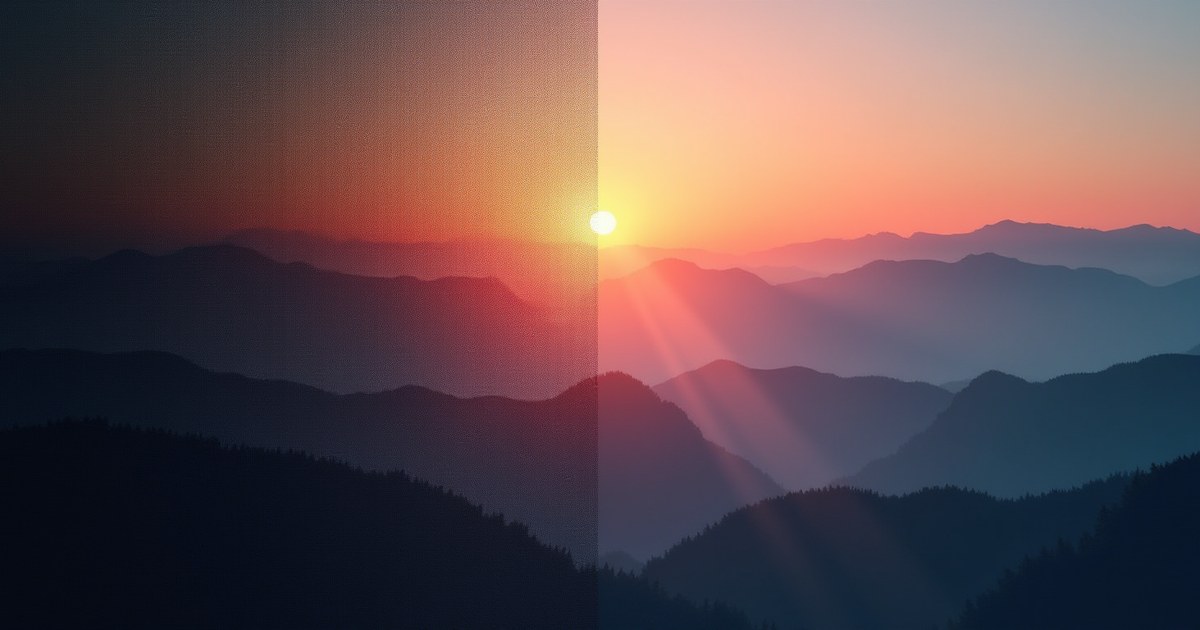
Type a sentence, get a picture that’s never existed before — it’s easy to use text-to-image AI for months without ever really understanding what’s happening between the prompt and the result. Most explanations either skip straight to the technical jargon or wave it away as “magic.” Here’s the plain-language version: what a diffusion model actually does, why the output is genuinely new rather than assembled from existing photos, and where tools like FLUX, Midjourney, and DALL-E fit into this picture.
The Short Version
Text-to-image AI generates an image by starting with pure random noise (imagine TV static) and gradually removing that noise, step by step, in a way that’s guided by your text prompt at every step. It’s not searching a database and stitching together matching photos — it’s constructing a brand-new arrangement of pixels from scratch, informed by patterns the model learned during training. That’s the whole idea; everything else in this guide is filling in how.
Starting Point: A Model Trained on Patterns, Not a Photo Library
Before any of this works, the underlying model goes through a training phase using a huge number of image-and-caption pairs — pictures paired with text descriptions of what’s in them. During training, the model isn’t memorizing “this exact photo goes with this exact caption.” It’s learning statistical patterns: what visual features (shapes, textures, colors, compositions) tend to co-occur with which words and concepts, across millions of examples.
The crucial distinction: the model ends up with a compressed, generalized understanding of visual concepts, not a stored copy of the training images. A useful (if imperfect) comparison is a person who’s looked at thousands of dog photos and can now draw a dog from memory — they’re not tracing a specific photo, they’ve internalized what “dog-ness” generally looks like.
The Actual Generation Process: Diffusion, Step by Step
Once training is done, generating a new image works in reverse of a process the model was also trained on:
- Start with random noise. The process begins with a canvas of pure random static — no image information at all.
- Encode the text prompt. A separate component (commonly based on something like CLIP, a model trained specifically to connect text and images into a shared representation) converts your prompt into a numerical representation the image model can use as guidance.
- Denoise, guided by the prompt, over many steps. The model looks at the noisy canvas and predicts what a slightly-less-noisy version should look like, nudged toward matching the text encoding from step 2. This repeats for a number of steps (commonly 20–50) — each pass removes a little more noise and reveals a little more coherent structure.
- Arrive at a final image. After enough steps, what started as static has become a fully formed image whose content lines up with the prompt’s description, because every denoising step was steered in that direction.
This is why the same prompt run twice produces two different (but similarly-themed) images: the random noise pattern you start from — the “seed” — is different each time unless you deliberately fix it, so each generation follows a different path through the denoising process even with identical guidance.
Why This Isn’t “Photobashing” or Collaging
A common misconception is that AI image tools are somehow pasting together fragments of real photos they were trained on. This isn’t how the underlying math works, for a simple reason: there’s no photo library being referenced or searched at generation time. The model that generates your image is a relatively compact set of learned parameters (numerical weights), not a searchable archive of the training images — nothing in the generation process looks anything like copy-paste or collage assembly.
That said, this doesn’t mean output is free of all influence from training data in every conceivable case — heavily-repeated, very famous images in a training set can occasionally bias a model toward certain compositions, and this is an active area of research and legal debate (see our guide on AI art commercial use, copyright, and licensing for that side of things). But the day-to-day mechanism — noise, guided by a text encoding, denoised step by step — genuinely produces new pixel arrangements, not retrieved-and-pasted fragments of specific training photos.
The Role of the Text Encoder (CLIP and Friends)
The component that turns your words into something the image model can act on deserves a plain-language mention, since it’s doing more work than people assume. Models like CLIP were trained specifically to place images and their text captions into the same mathematical “space” — so that a photo of a golden retriever and the phrase “a golden retriever” end up mapped close together. When you type a prompt, the text encoder’s job is to find where your description lands in that shared space, and the image-generation process is then steered toward image outputs that land in the same neighborhood. This is also part of why oddly-specific or unusual prompt phrasing sometimes confuses a model — if a phrase wasn’t well-represented during the text encoder’s training, its position in that shared space is less precisely defined.
Where FLUX, Midjourney, and DALL-E Fit In
All of the well-known text-to-image tools use some version of the diffusion process described above — they differ in training data, model architecture details, and how much engineering effort has gone into refining specific weaknesses (text rendering, hands, prompt adherence).
| Model | Known for |
|---|---|
| FLUX.1 | Strong prompt adherence, good photorealism, open-weight variants available |
| Midjourney | Distinctive, often stylized/artistic aesthetic, strong default composition |
| DALL-E 3 (via ChatGPT) | Handles complex, multi-element prompts particularly well |
| Stable Diffusion | Open-source foundation underlying many other tools, highly customizable |
None of these represents a fundamentally different technology from the others at the core level — the differences are in training, scale, and refinement, not a different underlying idea.
Common Misconceptions, Addressed Directly
| Misconception | What’s actually true |
|---|---|
| “It’s just pasting bits of real photos together” | No searchable photo database exists at generation time — output is built pixel-by-pixel from a denoising process |
| “It memorized and is reproducing training images” | The model stores generalized patterns (weights), not a retrievable copy of specific images, though heavily-repeated famous images can bias output in edge cases |
| “The same prompt always makes the same image” | No — unless you fix the random seed, each generation starts from a different noise pattern and produces a different result |
| “More words in the prompt always means better results” | Not necessarily — overly long prompts can dilute focus; see how to write AI image prompts that actually work |
What to Do Next
- Try it yourself — see Best Free AI Image Generators in 2025 for where to start without paying anything.
- Once you understand the mechanism, prompt-writing makes a lot more intuitive sense — How to Write AI Image Prompts That Actually Work builds directly on the concepts here.
- Curious how the major models actually differ in practice, not just in theory? See our FLUX vs Midjourney comparison.
- Considering AI-generated images for commercial or brand use? See using AI image generation for business for the practical considerations beyond how the technology works.
Frequently Asked Questions
Is AI image generation the same as collaging existing photos?
No. There’s no photo database being searched or pasted from at generation time — the image is built from random noise through a step-by-step denoising process guided by your text prompt, producing a genuinely new arrangement of pixels.
Does the AI “remember” the photos it was trained on?
Not in a retrievable, copy-paste sense. Training compresses patterns from millions of images into a set of numerical weights representing general visual concepts, not a searchable archive of the original images — though very heavily-repeated images in the training data can subtly bias certain outputs, which is a separate and ongoing area of research.
Why does the same prompt give different results each time?
Because generation starts from a random noise pattern (the “seed”) that’s different on every run unless you deliberately fix it. Different starting noise, guided by the same prompt, still produces a different final image.
What is a “diffusion model,” in simple terms?
It’s the type of model behind most modern text-to-image AI (including FLUX, Stable Diffusion, and Midjourney’s underlying architecture). It generates images by starting from random noise and repeatedly removing a little noise at a time, guided by your prompt, until a clear image emerges.
Are Midjourney, DALL-E, and FLUX fundamentally different technologies?
No — they’re all built on the same core diffusion concept. The differences come from training data, model architecture refinements, and tuning choices, which is why they produce noticeably different styles and strengths despite sharing the same underlying approach.